🖥️ Hebrew Transliteration — Right-to-Left Script

Type Hebrew with Your
Latin Keyboard

Type phonetically in Latin letters and TranslitPro outputs Hebrew script in real time — right-to-left, instantly. No special keyboard, no memorizing letter positions.

↔️

Right-to-Left Output

Hebrew is displayed RTL automatically. No extra settings needed.

⌨️

Phonetic Mapping

Type "shalom" and get שלום. Intuitive Latin-to-Hebrew phonetics.

📋

Copy Anywhere

Paste your Hebrew text into emails, social media, or documents.

How Hebrew Transliteration Works

Common Latin inputs and their Hebrew letter equivalents

You type→You get
sh → ש
b → ב
ch → כ
ts → צ
k → ק
aa → ע
1

Open TranslitPro

No installation required. Works in any modern desktop browser.

2

Select Hebrew

Choose Hebrew from the language list. The editor switches to RTL output mode automatically.

3

Type phonetically

Type "shalom", get שלום. Type "todah", get תודה. Real-time conversion as you type.

Try it free

Desktop Transliteration Suite for 13+ Languages

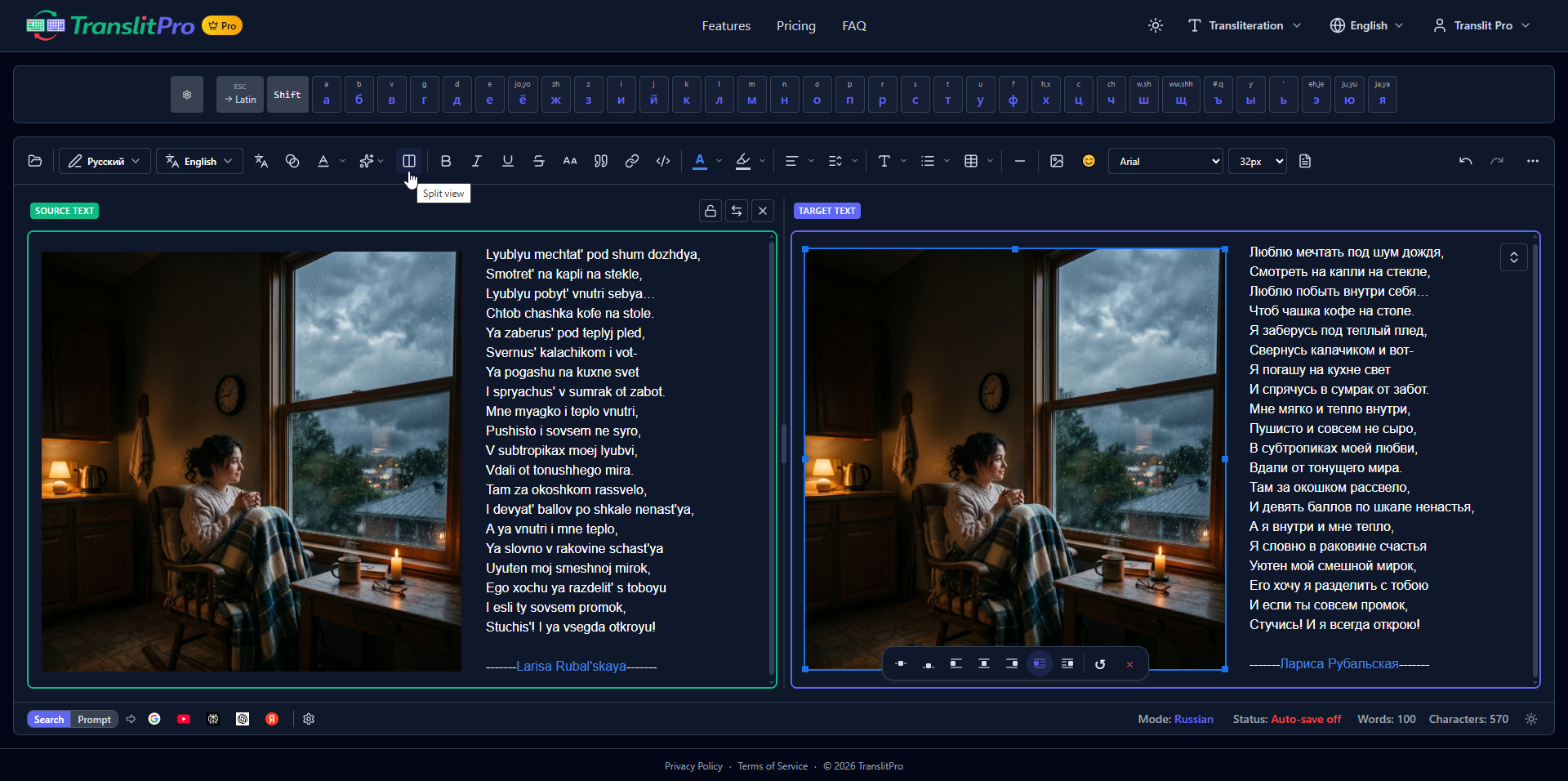
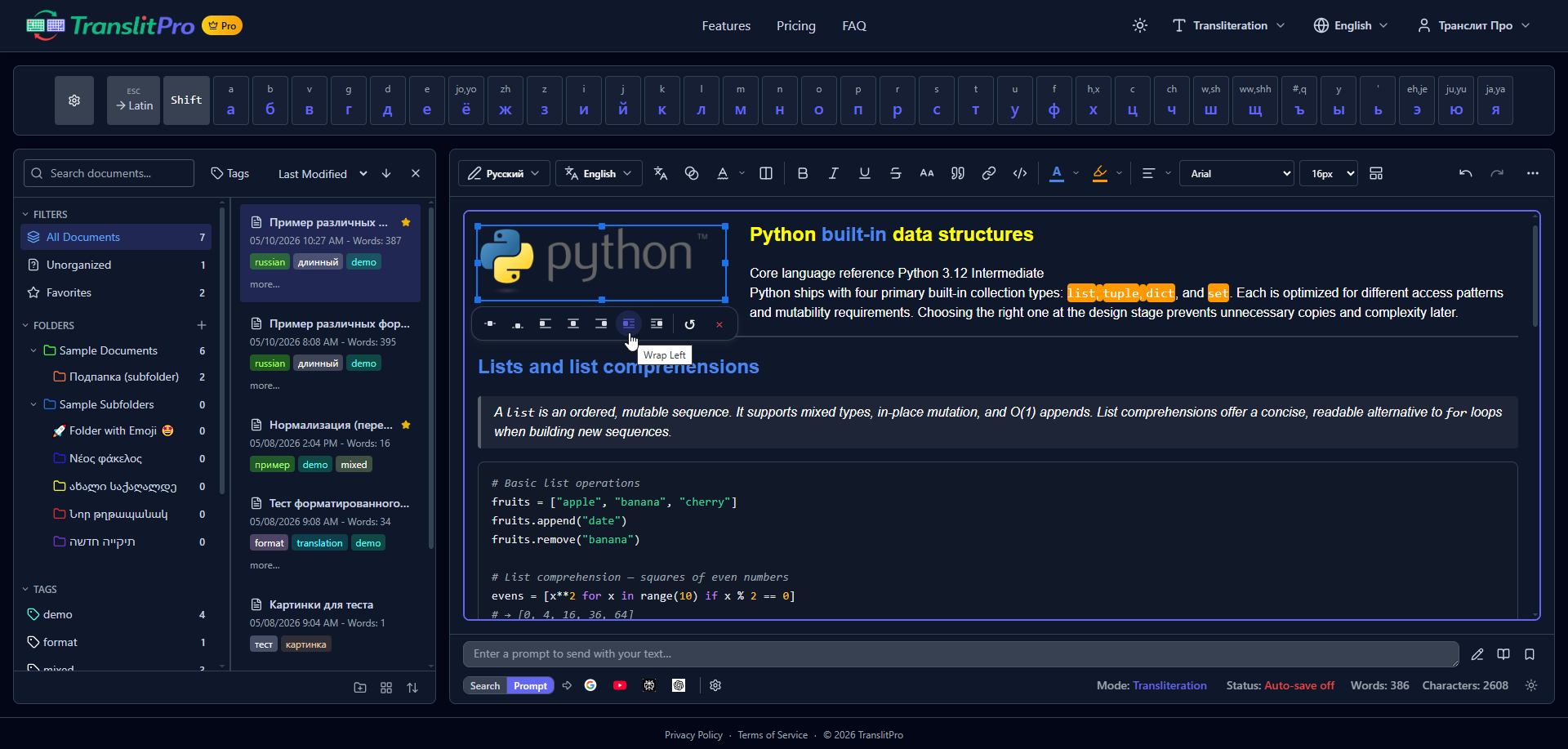
Rich text editor with formatting, styling, and seamless transliteration as you type.

⌨️

Type Naturally

Use your regular Latin keyboard on desktop. No need to learn new layouts or switch keyboard settings.

View
🌍

13+ Languages

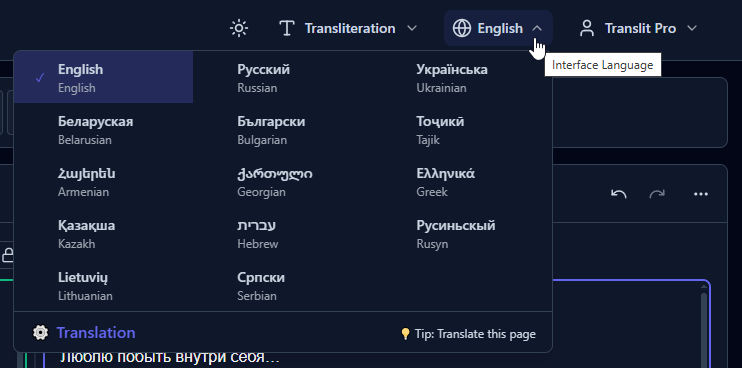
Russian, Ukrainian, Hebrew, Greek, Georgian, Armenian, Lithuanian, Bulgarian, and more — all built-in.

View
➕

Add Any Language

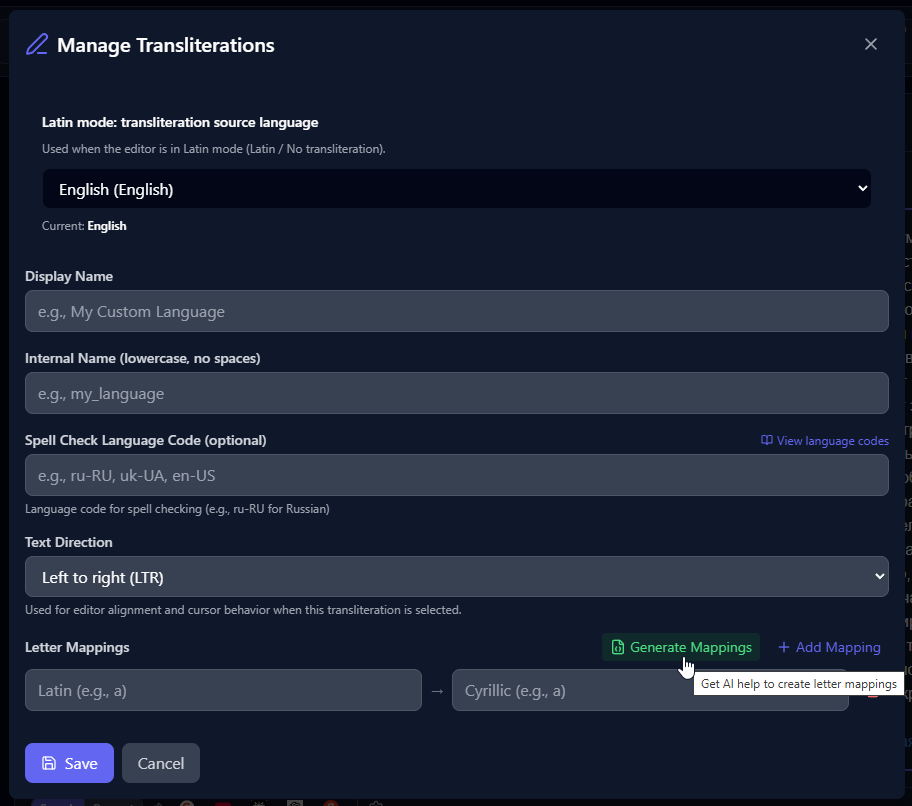
Create custom transliteration schemas for any language. Define your own keyboard layouts and mappings.

View
🔖

Free Bookmarklet

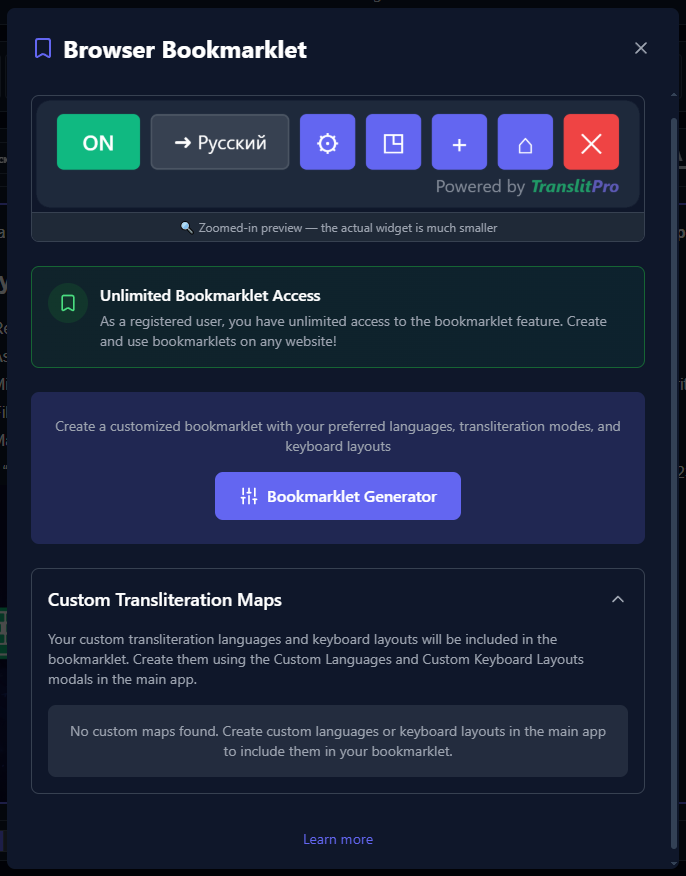
Type in your target script directly on most websites without an account. Sites with strict Content Security Policy, including some Google services, may block it.

View
📝

Powerful Editor

Rich text editor with formatting, styling, and seamless transliteration as you type.

View
📄

Export Anywhere

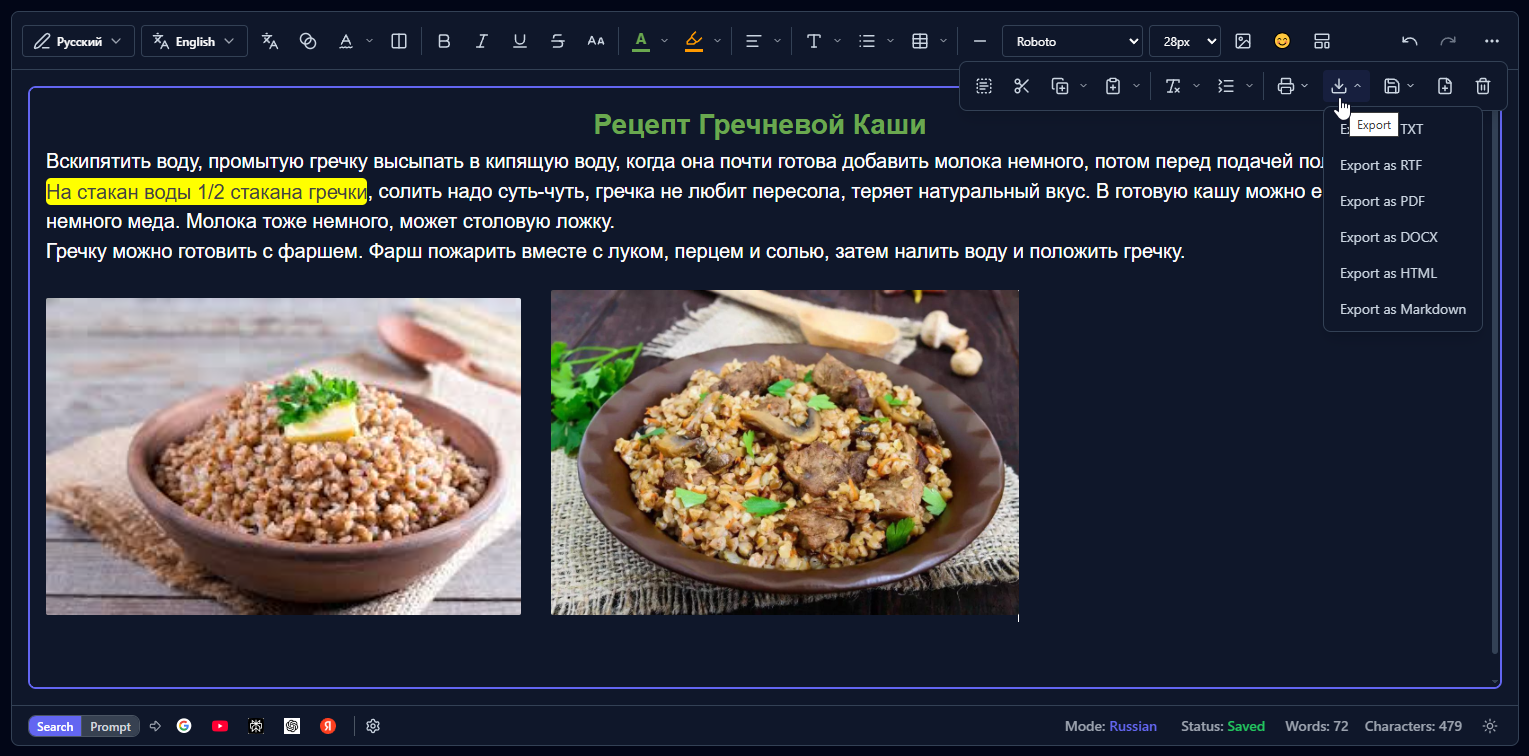
Export free to TXT, PDF, DOCX, or .notylus. Plus also unlocks RTF, HTML, and Markdown.

View

Simple, Transparent Pricing

Start free, upgrade when you need more. No hidden fees, cancel anytime.

Free

Try instantly. No account required.

$ 0 forever

Preview

  • Type in 13+ languages
  • Popular keyboard layouts
  • 3 search buttons
  • Export Anywhere: TXT, PDF, DOCX, .notylus
  • Type in Your Language on Any Website
  • Browser extension: type on up to 3 sites
  • Powerful Editor

Create Free Account

  • Everything available without an account
  • 5 search buttons
  • Custom transliteration rules
  • Custom keyboard layouts
  • Custom UI languages
Start Free
PLUS

TranslitPro Plus

Your language, your rules.

$29/year

Save $7

  • Browser extension: type on unlimited sites
  • Unlimited search buttons, including your own
  • All export formats
  • More editor tools
  • Zen view: distraction-free full screen
  • Theme customization
  • No ads
  • Included with Notylus Basic and Pro
Start Now — TranslitPro Plus

Frequently Asked Questions

Got questions? We've got answers.

What is transliteration?

Transliteration is the process of converting text from one script to another. TranslitPro converts Latin characters (like "privet") into other scripts (like "привет" in Russian) in real-time as you type.

Which languages are supported?

TranslitPro has 13 languages built in: Russian, Ukrainian, Belarusian, Bulgarian, Serbian, Rusyn, Kazakh, Tajik, Hebrew, Armenian, Georgian, Greek, and Lithuanian. With a free account you can also add your own languages and keyboard layouts.

Can I prevent certain letter combinations from being transliterated together?

Yes! Use the + symbol as a separator. This tells TranslitPro to transliterate each letter individually instead of as a pair. Examples (Cyrillic): s+h → "сх" (instead of "ш"), t+s → "тс" (instead of "ц"), z+h → "зх" (instead of "ж").

Is TranslitPro for mobile or desktop?

TranslitPro is primarily designed for desktop users. Mobile users typically have built-in keyboards for different scripts. Our app works best on desktop browsers where you want to type in non-Latin scripts using your standard keyboard.

What is the bookmarklet?

The bookmarklet is a completely free tool that lets you type in your target script directly on most websites, with no account required. Sites with strict Content Security Policy, including some Google services, may block it.

Can I cancel my subscription anytime?

Absolutely! You can cancel your subscription at any time from your account settings. You'll continue to have access to paid features until the end of your billing period.

Still have questions?

Start Typing Without Limits

Free to use without an account. Upgrade only when you want more customization.

Start Free — No Signup
No credit card required
13+ languages built-in
Free portable export